Free phone app · iPhone & Android
Your AI coach, on your phone
Read your match report on the way home, check the one thing to work on before your next game, and see your drills and rank progress. Valorant, CS2, League and Deadlock.
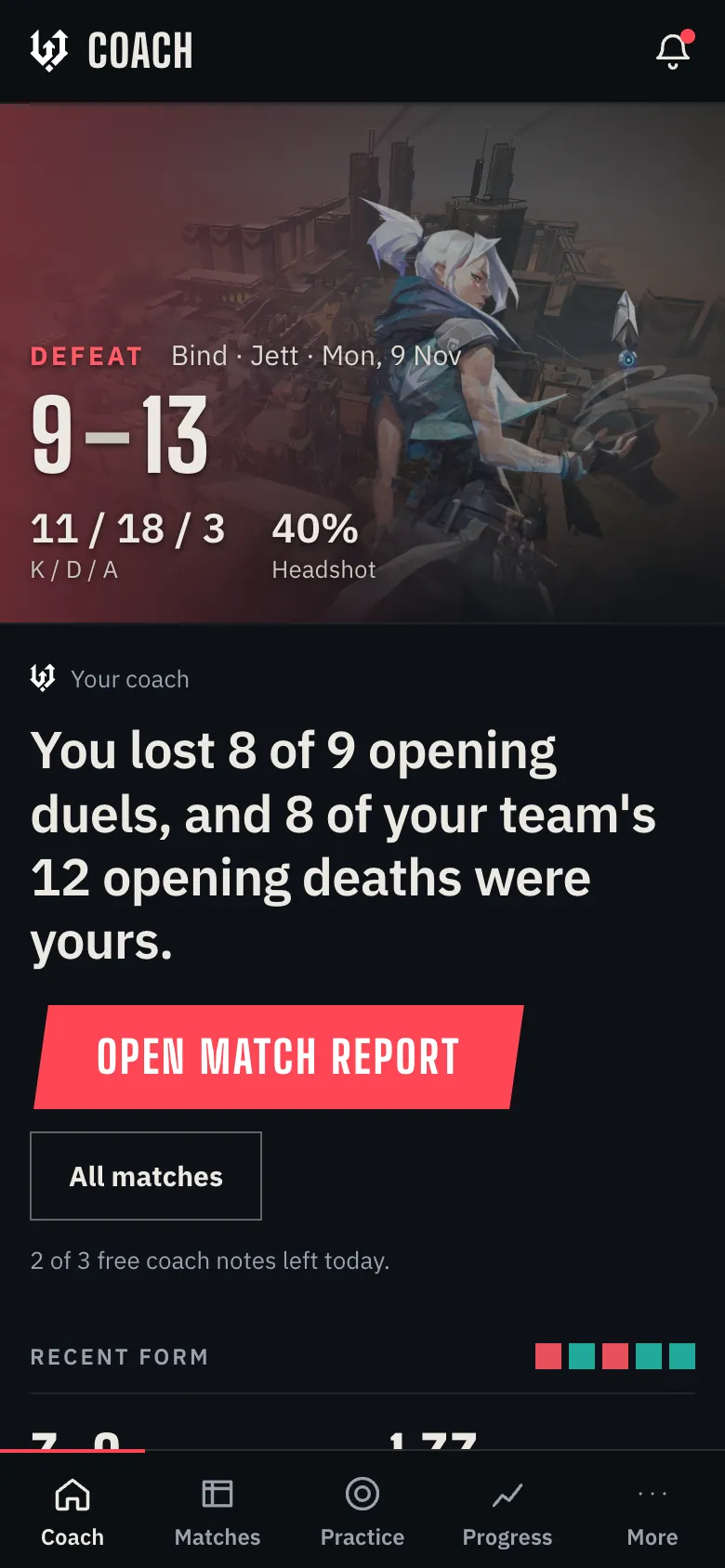
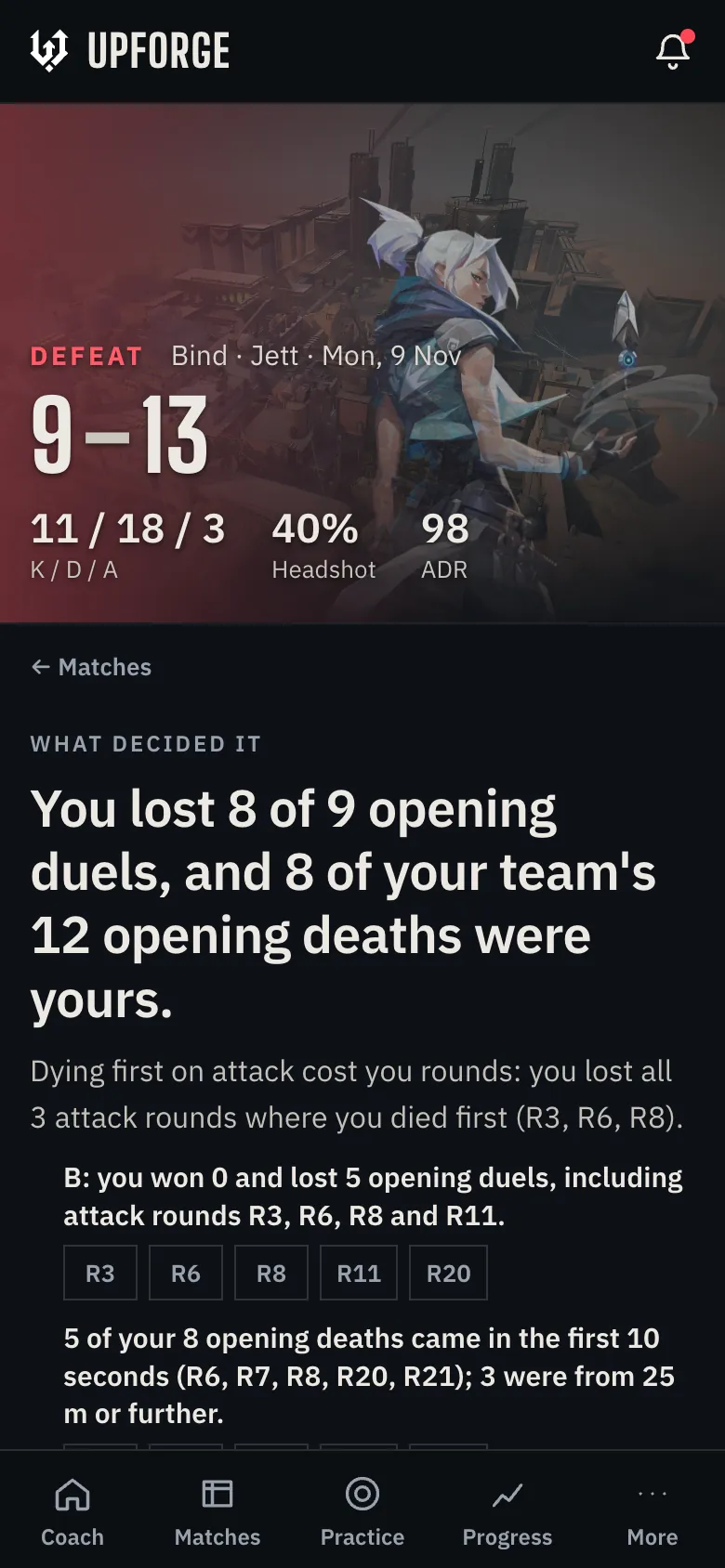
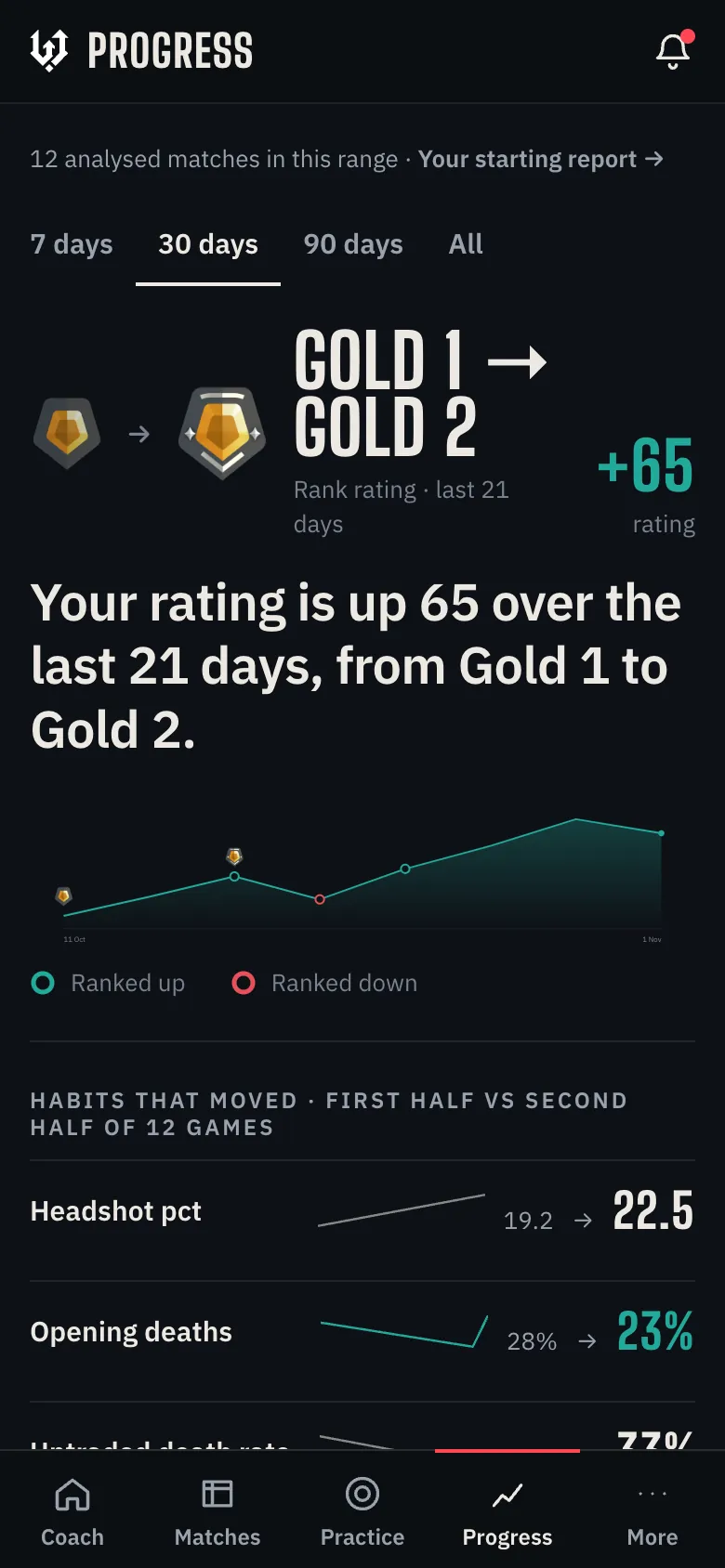
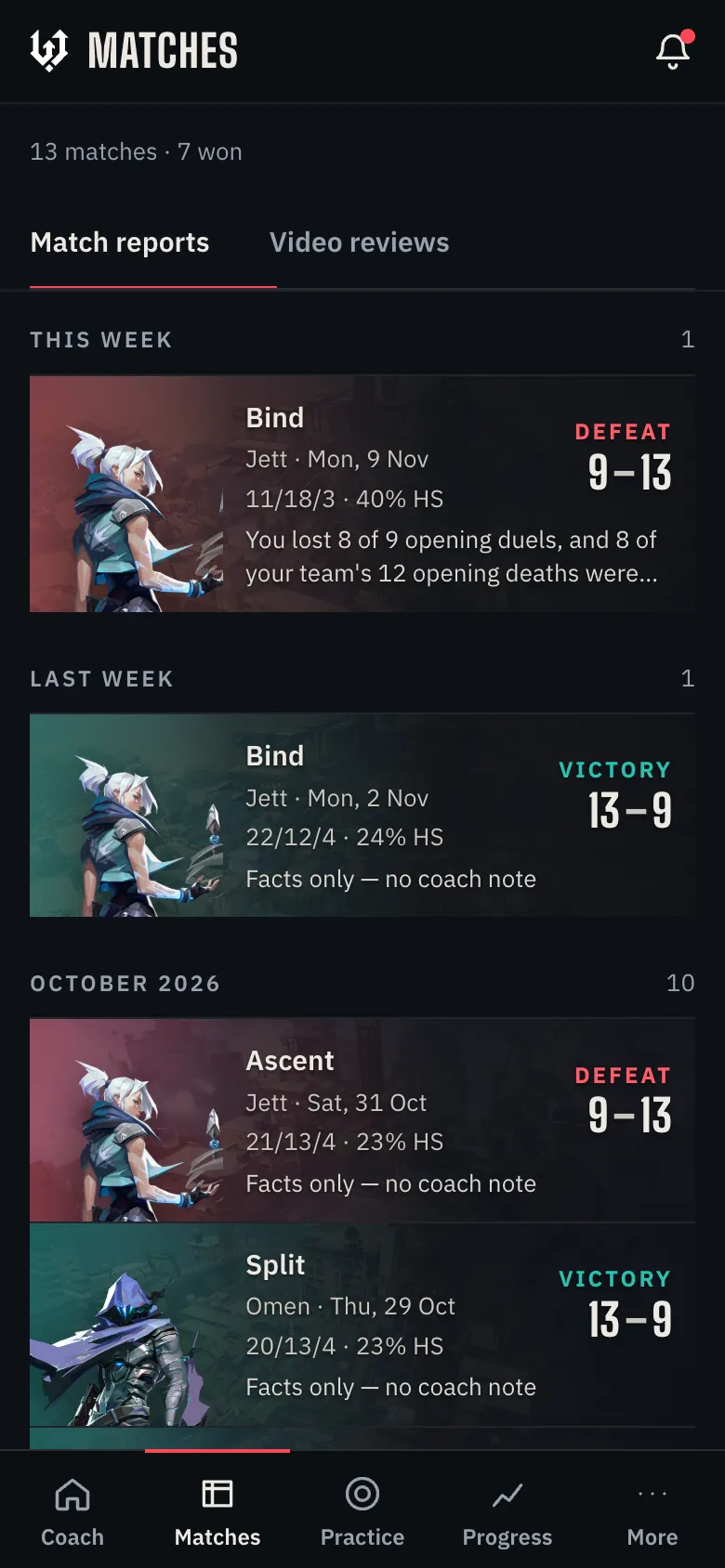
What's in the UpForge app
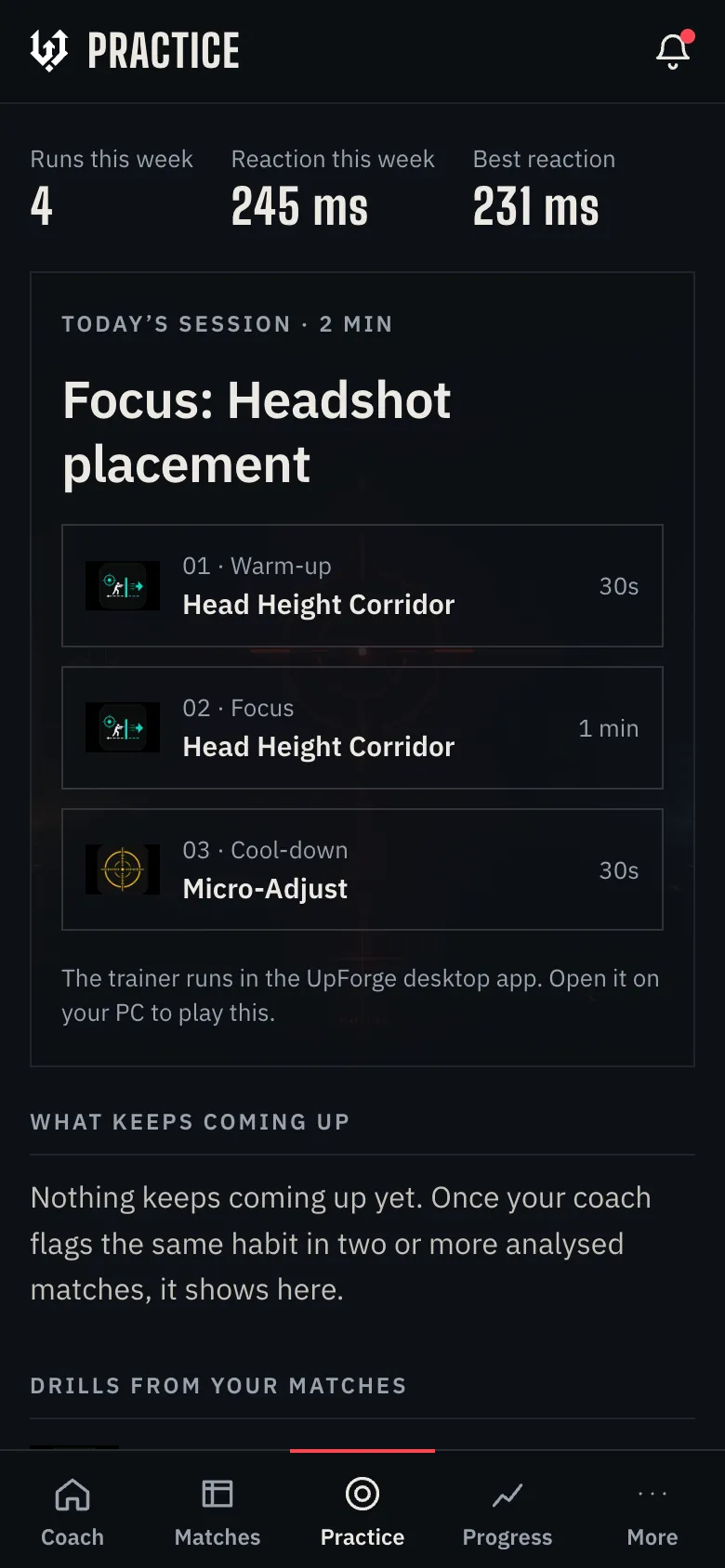
The same coach as the desktop app, laid out for one hand. Five screens, one tap apart.
Install it in 10 seconds
No App Store or Google Play download. UpForge installs from the browser, gets its own icon and opens full screen.
iPhone and iPad
- Open upforge.gg in SafariSign in, or create a free account.
- Tap ShareThe square with the arrow, at the bottom of the screen.
- Tap Add to Home ScreenUpForge appears on your home screen and opens full screen, like any other app.
Android
- Open upforge.gg in ChromeSign in, or create a free account.
- Tap the ⋮ menuTop right of the screen.
- Tap Install appOn some phones it says Add to Home screen. UpForge then opens from your app drawer.
Your phone and your PC, one coach
The desktop app records your games and runs the trainer. Your phone is where you read the coaching and plan what to practise. Both use the same account.
| What you want to do | Phone app | Desktop app |
|---|---|---|
| Match reports and coach notes | Yes | Yes |
| Next-game focus and habits | Yes | Yes |
| Drills picked from your matches | See and plan them | Play them in the trainer |
| Rank and progress | Yes | Yes |
| Book coaches and read their notes | Yes | Yes |
| Record matches and make clips | No | Yes, automatically |
| Bring in Valorant and CS2 matches | No | Yes, the desktop app sends them |
Four games, one app
Switch games from the app. Each one keeps its own reports and progress.
 Valorant
Match reports from your Riot match data, sent in by the desktop app. No recording needed.
 CS2
Match reports from your demos, with fights, utility and round money.
 League of Legends
Record games with the desktop app and review clips with captured League stats (beta). Riot match reports are waiting for Riot API approval.
 Deadlock
Per-minute stats, queue tabs and a starting report from your recent matches.
Is there an UpForge app for iPhone and Android?
Yes. UpForge installs from the browser: open upforge.gg in Safari on iPhone and tap Share, then Add to Home Screen, or open it in Chrome on Android and tap Install app. It opens full screen with its own icon, like any other app.
Is the UpForge app free?
Yes. The app is free on every plan. Free accounts get a match report for every match and 3 AI coach notes a day. Plus and Pro raise that to 10 and 25 a day.
Why is it not in the App Store or Google Play?
UpForge installs straight from the website, so you always have the latest version without waiting for store updates. There is nothing extra to download and it takes up very little space on your phone.
Do I still need the desktop app?
For Valorant and CS2, yes: the Windows desktop app brings your matches in and records your games. Once a match is in, you can read the report, check your focus and plan your drills on your phone. Deadlock starting reports build from the web. League of Legends: the desktop app records your games and you can review clips with captured League stats (beta); Riot match reports are waiting for Riot API approval.
Which games does the app support?
Valorant, CS2, League of Legends and Deadlock. Each game gets its own reports, progress and focus.
Does the app send notifications?
Not yet. For now, open the app after a match to see your report.
Can I record or play drills on my phone?
No. Recording and the aim trainer run in the desktop app on your PC. The phone app shows your drills, and why when your match stats picked one, so you can plan your session before you sit down.

Your next match report, in your pocket
Create a free account, add the app to your home screen, and your reports follow you everywhere.
Free on every plan. No card needed.