Auto-capture every match
Detects when your game starts and records automatically — no hotkeys or manual uploads.
Windows desktop app
Play normally — UpForge records every match in the background and queues a full AI coaching report on your dashboard. No hotkeys, no manual uploads, no browser tabs.
Fill the gap between games and coaching.
Detects when your game starts and records automatically — no hotkeys or manual uploads.
NVENC, AMF, or QuickSync runs on your GPU encoder independently of the game renderer.
Full AI breakdown queued after each match — typically 10–30 minutes depending on length.
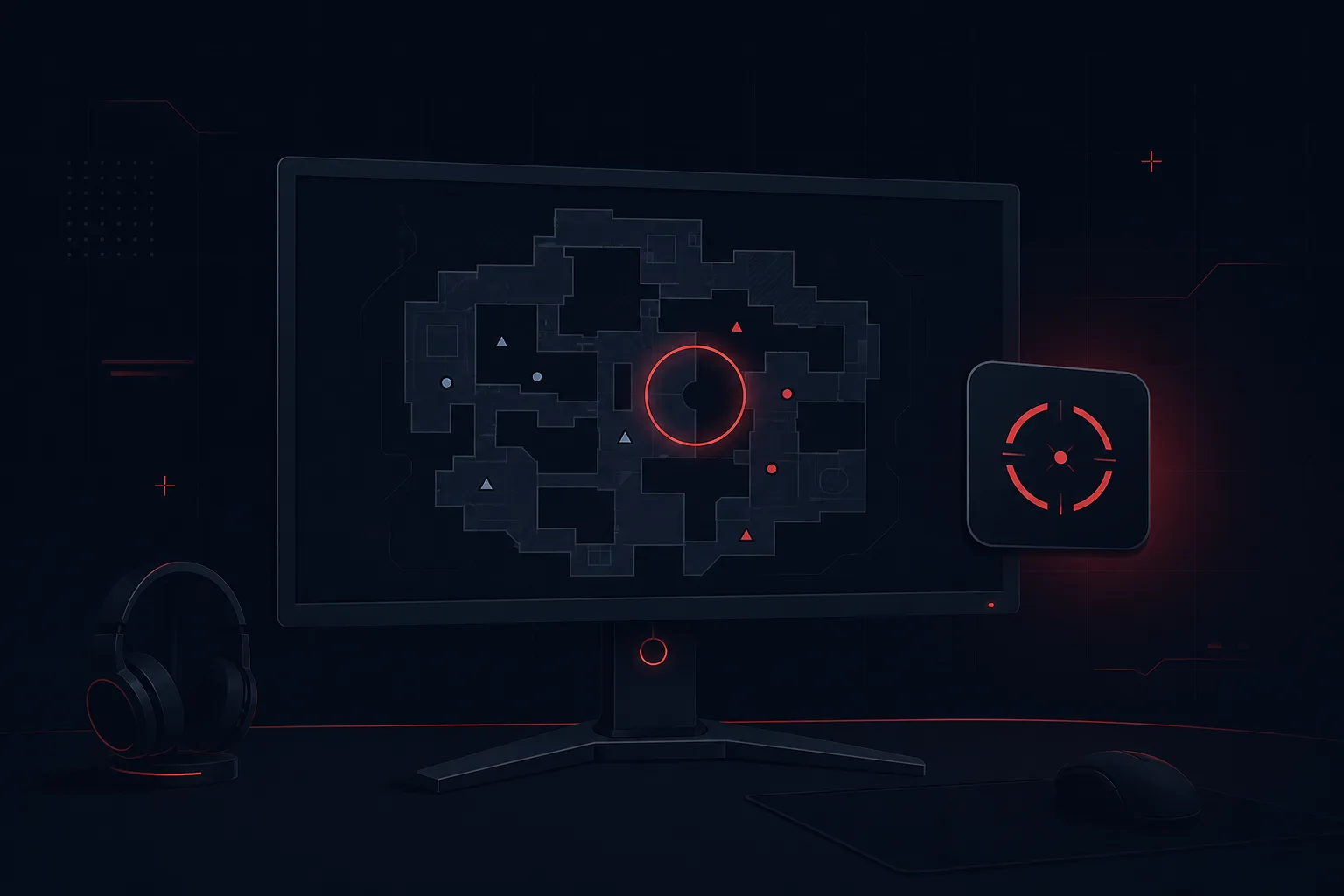
Install once, sign in, and play. Recording and coaching happen automatically after every supported match.
Step 01
One installer — sign in once, then the app waits quietly in your tray.
Hover or tap a step to preview — Install & sign in.
Background capture, hardware encoding, and live match data — so coaching reflects what actually happened in your game.
Recording starts when your game launches and stops when you exit. No browser tabs, no clip links, no forgotten uploads.
Valorant · CS2 · Deadlock
Dedicated GPU encoders handle capture separately from rendering so competitive play stays smooth.
AI reviews your footage alongside match context — positioning, mechanics, and decision quality beyond the scoreboard.
Eliminations, economy, abilities, and map context sync with your recording so coaching references real rounds.
Abilities · Economy · Timeline · Map context
See upload progress and a preview of your coaching score the moment the match ends.
If the app restarts mid-analysis, polling resumes and you are notified when the report is ready.
Windows alerts when analysis completes — game, map, and overall score at a glance.
Coaching references game-specific mechanics, callouts, and meta-appropriate positioning.
K/D, headshot %, combat score, and coaching scores tracked across your match history.
Every match, clip, and report in one place — browse history and track improvement over time.
Queued automatically after each match — typically 10–30 minutes depending on length and server load. Every report breaks down rounds, habits, and specific drills — not just a scoreboard recap.

Illustrative sample — your scores vary by match.
A hardware encoder keeps recording off your CPU. Integrated graphics are supported via QuickSync.
Common questions about recording, privacy, supported games, and analysis timing.
Download the Windows app and start with 1 free coaching analysis — no credit card required.